Network Troubleshooting
Network Troubleshooting & Stabilization
Restore stable, predictable network performance. We identify and fix the issues causing slowdowns, dropouts, and unreliable behavior—including situations where networks are no longer functioning as expected.
What This Is
Network Troubleshooting & Stabilization focuses on correcting the underlying causes of unreliable network performance.
Instead of working around issues or adding temporary fixes, the goal is to make the network behave consistently under real operating conditions.
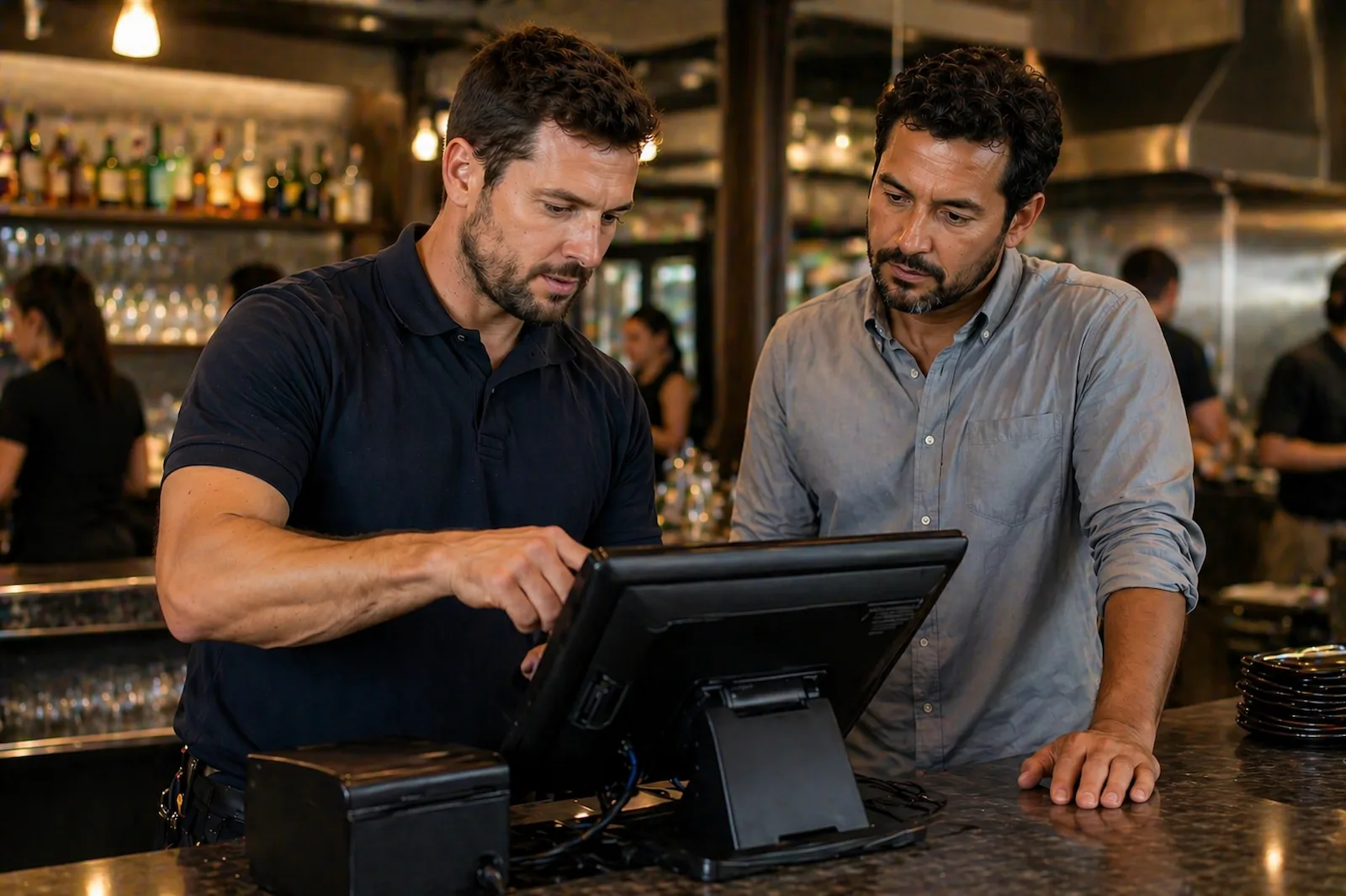
In restaurant environments, these issues often appear during peak service when POS systems, guest Wi-Fi, and staff devices are all competing for network resources.
What This Involves
Stabilization work may include:
Correcting configuration issues
Resolve settings or configuration choices that contribute to slowdowns, dropouts, or inconsistent behavior.
Improving wireless channel planning
Reduce interference and congestion by adjusting how wireless access points use available channels.
Adjusting equipment placement
Improve performance by evaluating where access points, routers, or network equipment are positioned.
Refining network segmentation
Separate business systems, guest access, and devices so traffic is better organized and conflicts are reduced.
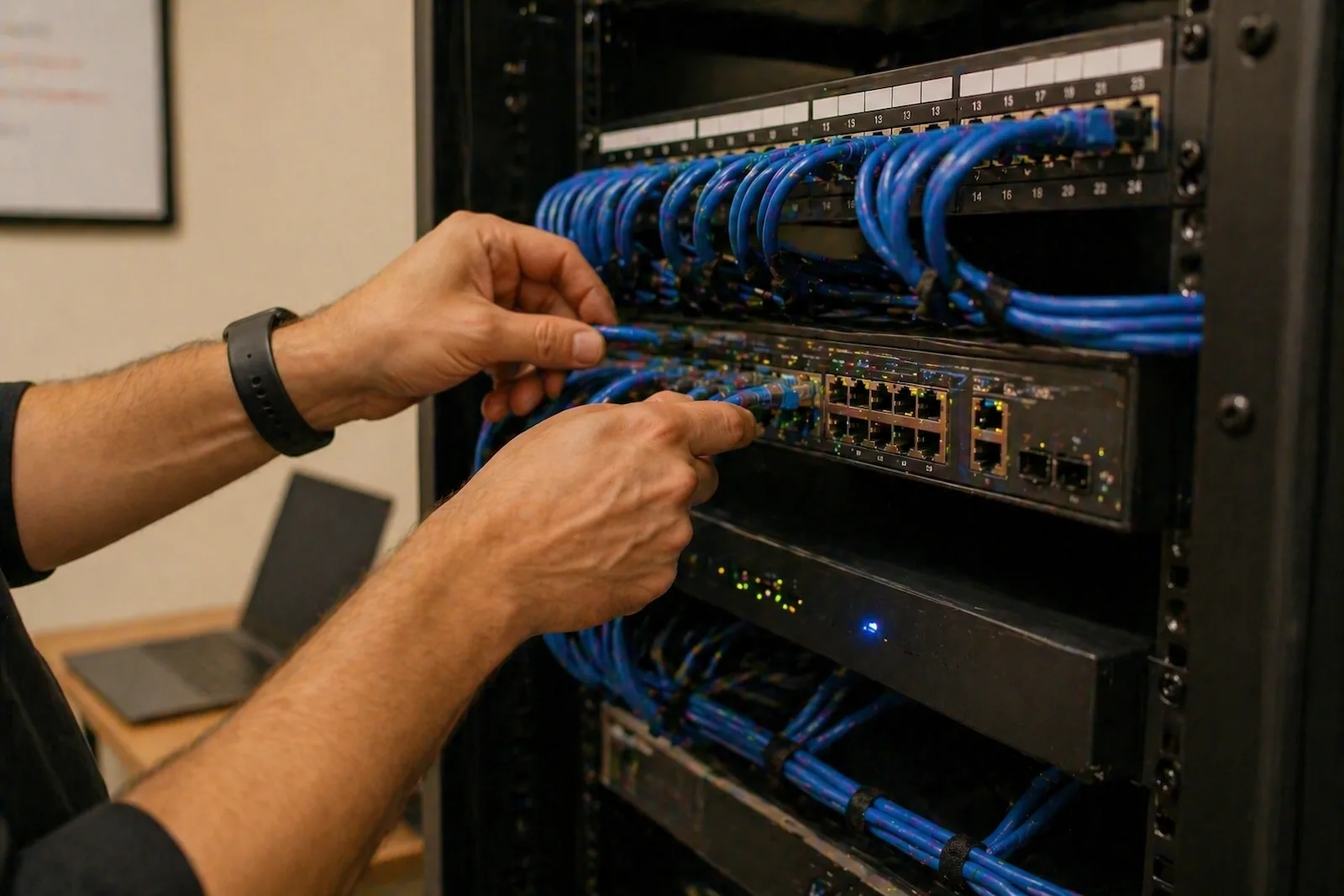
Resolving infrastructure-related issues
Identify cabling, hardware, or layout issues that may be contributing to unreliable performance.
What to Expect
Identify the issue
We look for the likely causes of slowdowns, dropouts, conflicts, or unreliable behavior.
Make targeted changes
Configuration, placement, segmentation, and infrastructure changes are made carefully and intentionally.
Test under real conditions
Changes are checked against normal operating conditions, not just idle or ideal network behavior.
Clarify next steps
If limitations remain, we identify whether targeted improvements or infrastructure upgrades make sense.
When This Makes Sense
- Wi-Fi drops or slows during peak hours
- POS or operational systems disconnect
- Guest traffic interferes with business systems
- Performance is inconsistent or unpredictable
- The network is no longer functioning as expected
These patterns are especially common in restaurant environments where demand spikes and multiple systems rely on the network simultaneously.
What You Get
- Improved reliability under real-world conditions
- Better separation between systems
- Fewer disruptions during peak operations
- A network that behaves more predictably
What Happens Next
In many cases, stabilization resolves issues without requiring major upgrades.
If underlying limitations remain, the next step may involve targeted improvements, equipment upgrades, or expanded infrastructure.
The goal is always to take the simplest effective step toward a stable, reliable network.
This approach is based on real-world experience working with live network environments where reliability matters day to day.
Related Services

Wi-Fi & Network Reliability Assessment
For understanding what is happening before deciding whether stabilization, upgrades, or installation work makes sense.
Network Design, Installation & Upgrades
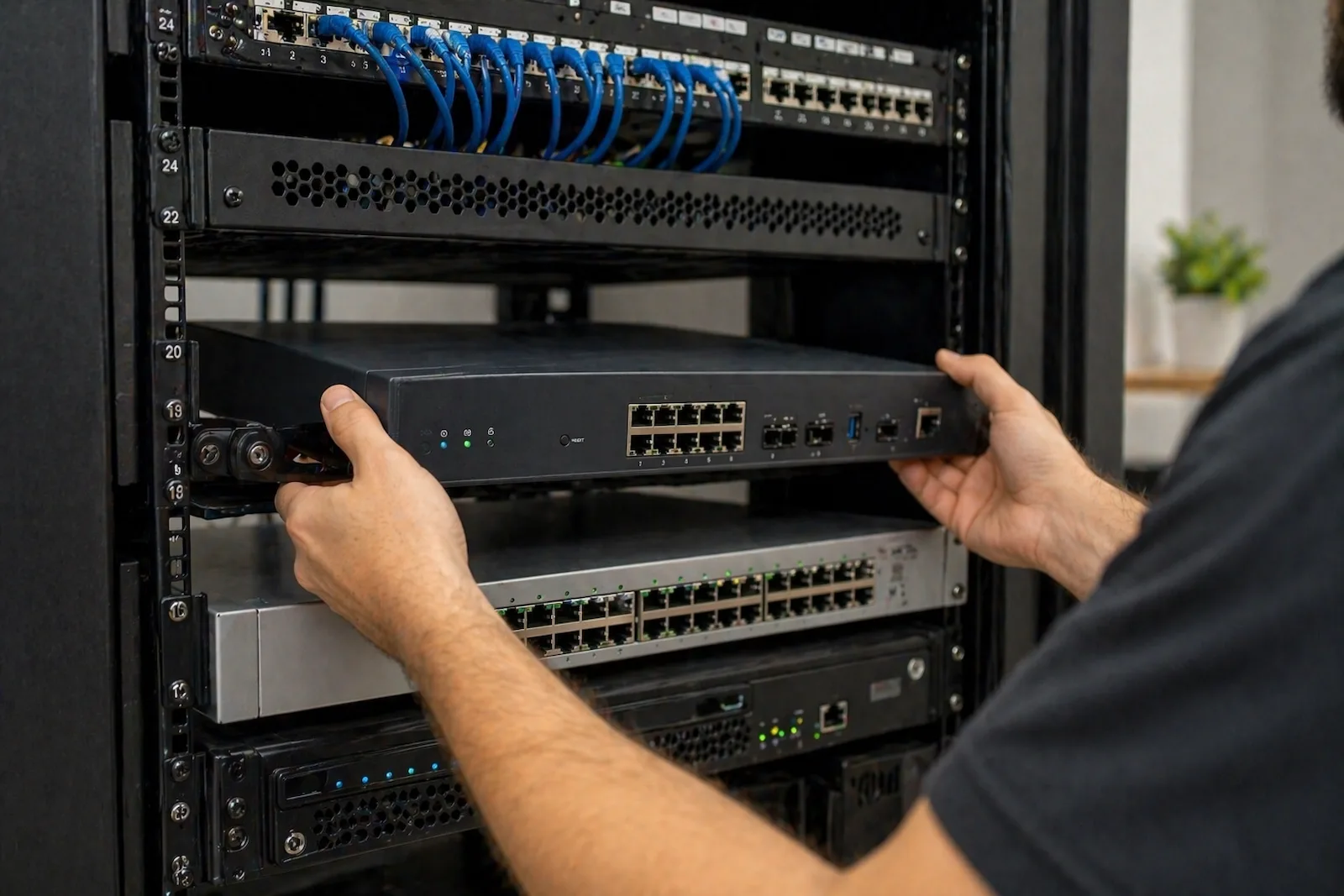
For spaces that need better coverage, upgraded equipment, or a more reliable infrastructure foundation.
Ready when you are
Need Help Stabilizing Your Network?
If your network is slow, unstable, or unreliable, we can help identify the cause and move toward the simplest effective fix.